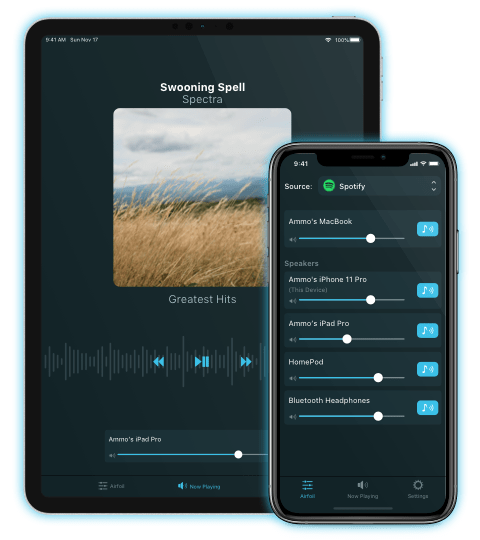
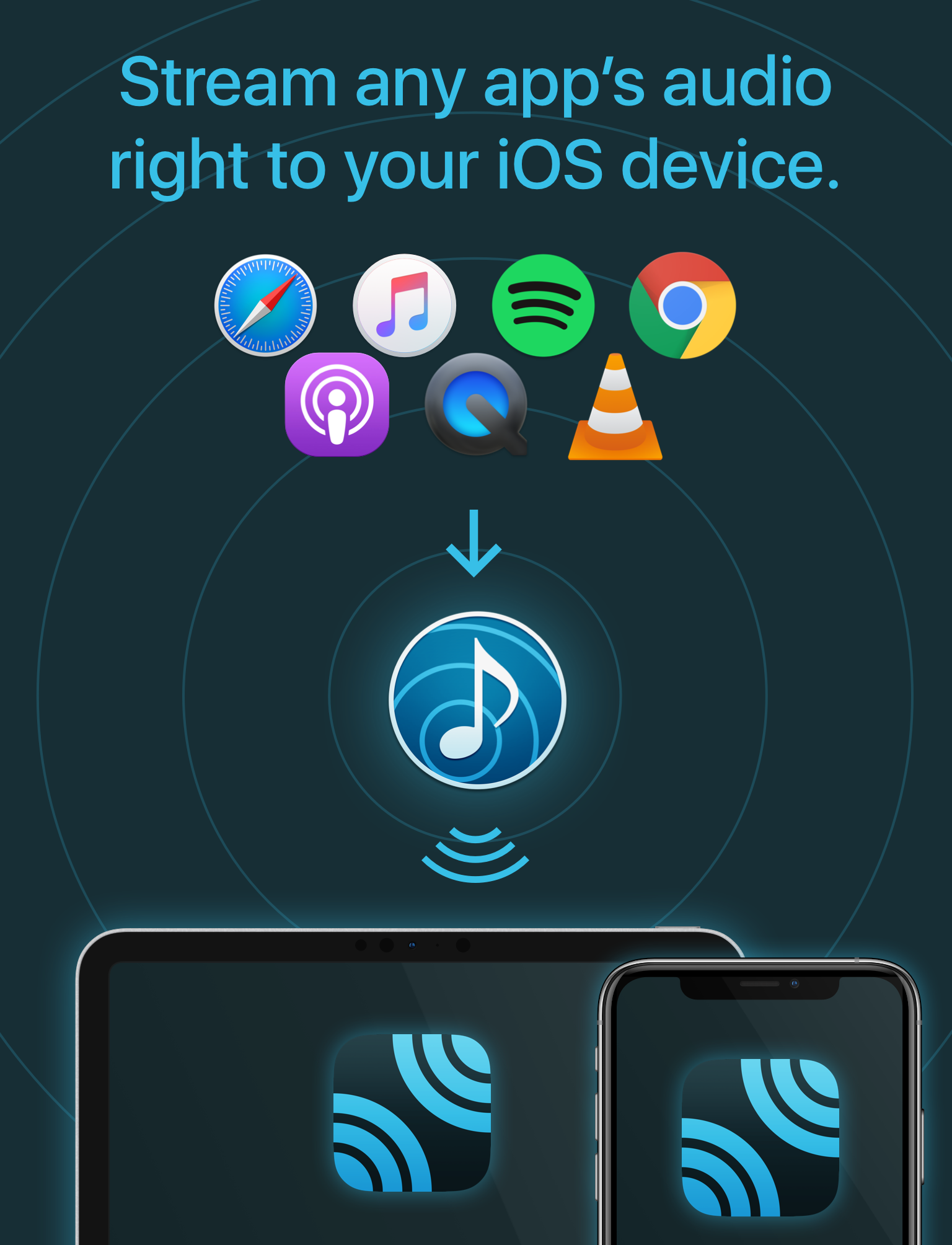
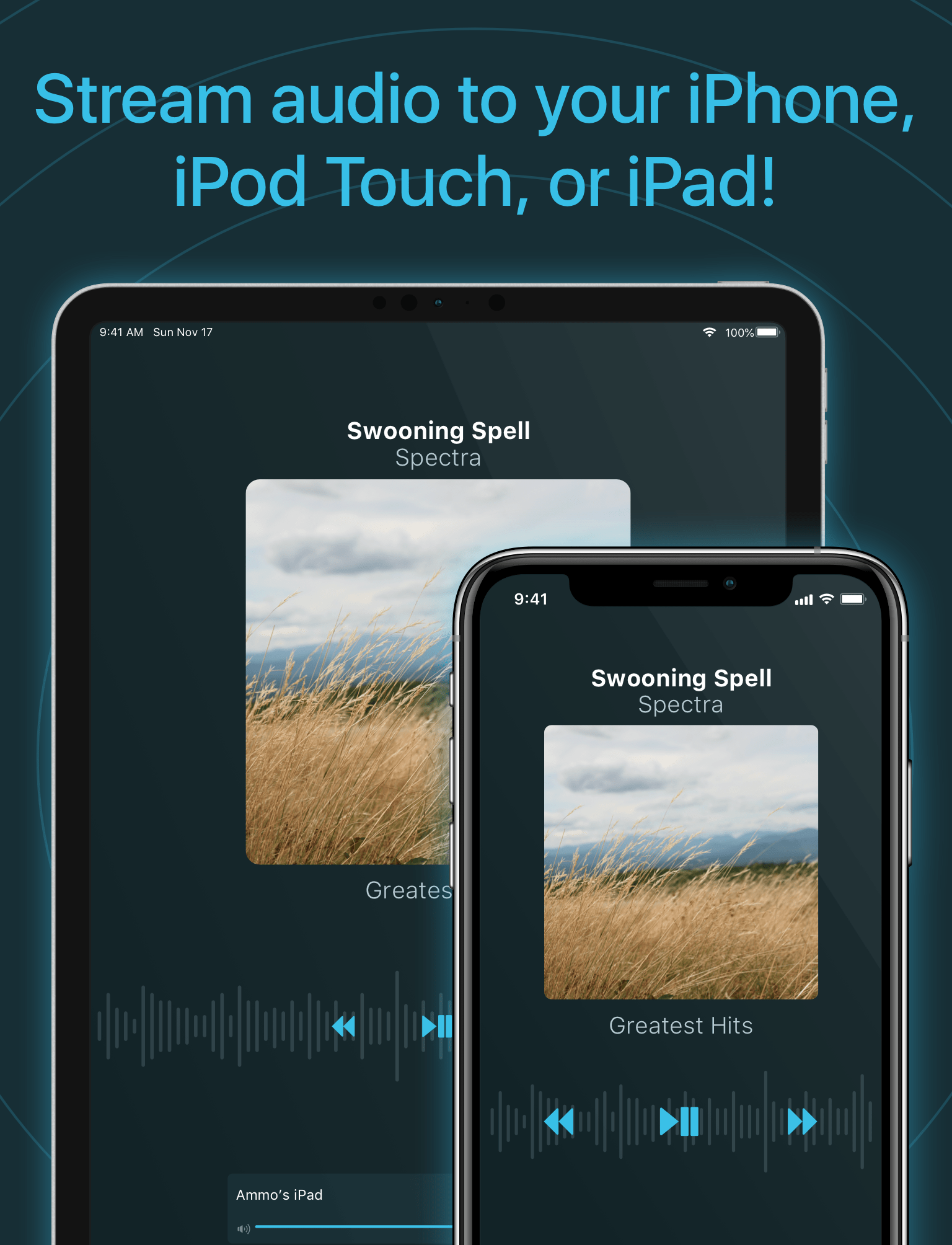
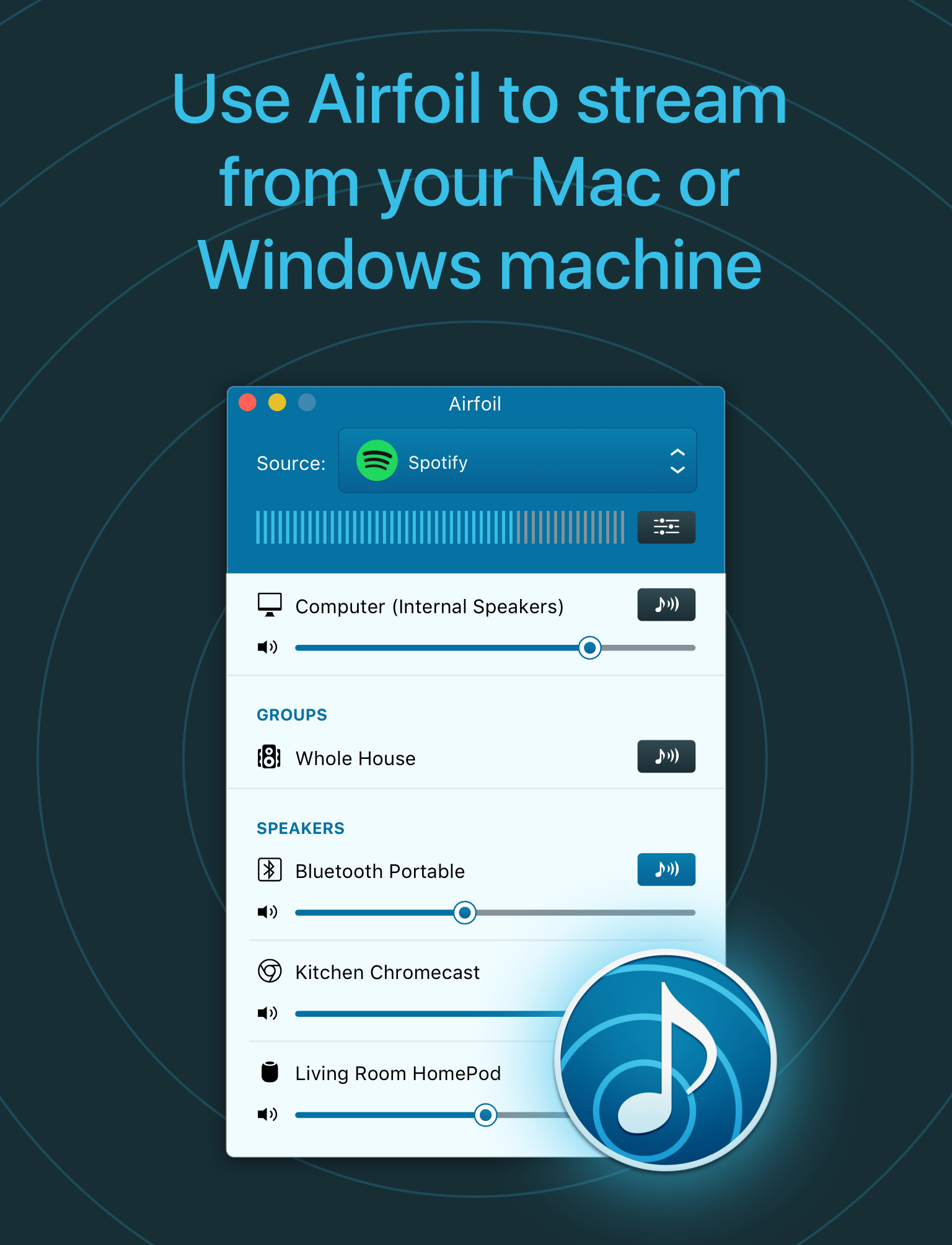
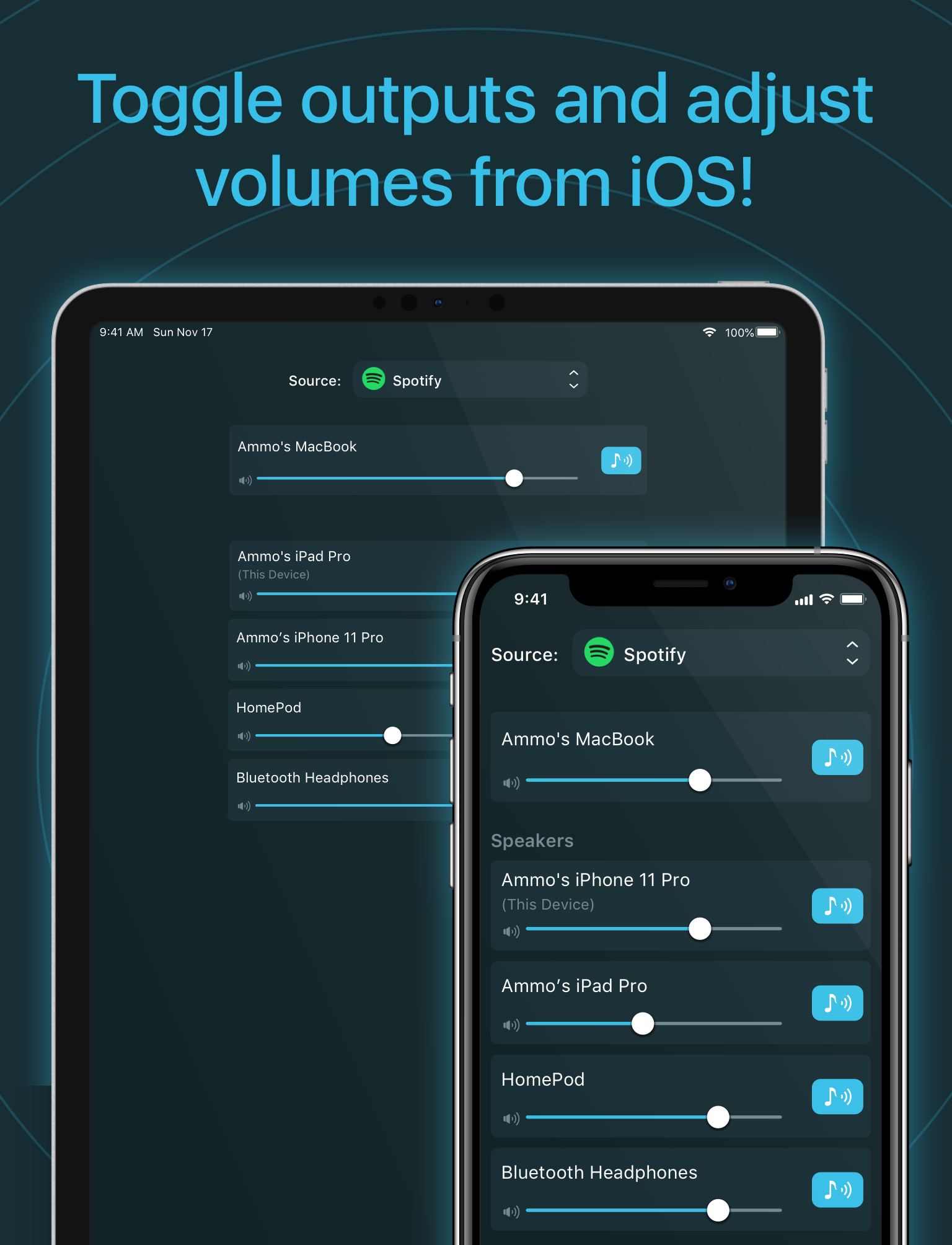
It's an audio receiver, in your pocket. Plug in headphones to your iOS device or dock it in a speaker, and you'll be able to send audio to it wirelessly, from anywhere in the house. Using Airfoil, you can send any audio from your Mac or PC to any iPhone, iPod Touch, or iPad. Download Airfoil Speakers Touch directly from the iOS App Store!
Download Airfoil Speakers Touch
Airfoil Speakers Touch receives audio from Airfoil for Mac and Airfoil for Windows.
New in Airfoil Speakers Touch 3
-
Full iPad Support
Airfoil Speakers Touch now has a native iPad interface, with full Retina support. Gorgeous!
More Great Features
-
Reverse Connect
Airfoil Speakers can now initiate connections back to Airfoil, to start receiving audio remotely.
-
Clicker and Tray Controls
Airfoil Speakers Touch now responds to audio controls from headphone clickers, as well as in the task tray and lock screen.
-
Remote Control, Too
Remote playback control of select sources, including Spotify, Rdio, Pulsar & more, is now possible.
-
Looking Sharp
Metadata, including track titles and album art from supported sources, is now shown right in Airfoil Speakers Touch.
-
Stop!
You can now stop audio playback right inside Airfoil Speakers Touch, without needing to quit the app.
-
A Whole New Look
Airfoil Speakers Touch has a whole new UI, making it easier to use and more fun than ever!
User Quotes
Airfoil Speakers on iPhone kicks butt. Listening to Browns game via NFL.com on the desktop to the iPhone.
Amazing Airfoil Touch update. Landscape view is great.


Macworld Magazine: 4 out of 5 Mice