
 Airfoil
 Audio Hijack
 Farrago
 Fission
 Loopback
 Piezo
Piezo
 SoundSource

Fission®
Fast & lossless
audio editing
With Fission, audio editing is no longer a chore. You can join files, crop and trim audio, and rapidly split up long files. Fission is streamlined for fast editing, and it works without the quality loss other audio editors cause.
If you need to convert between audio formats, Fission can do that too. Rapidly export or batch convert files to the MP3, AAC, Apple Lossless, FLAC, AIFF, and WAV formats. Fission has all your audio needs covered. Finally, simple audio editing has arrived.
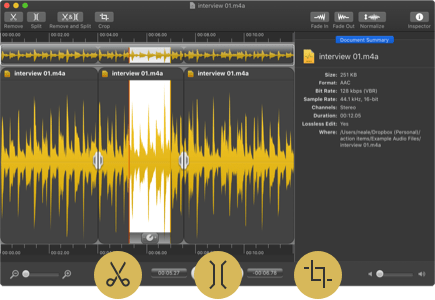
Audio Editing Made Simple
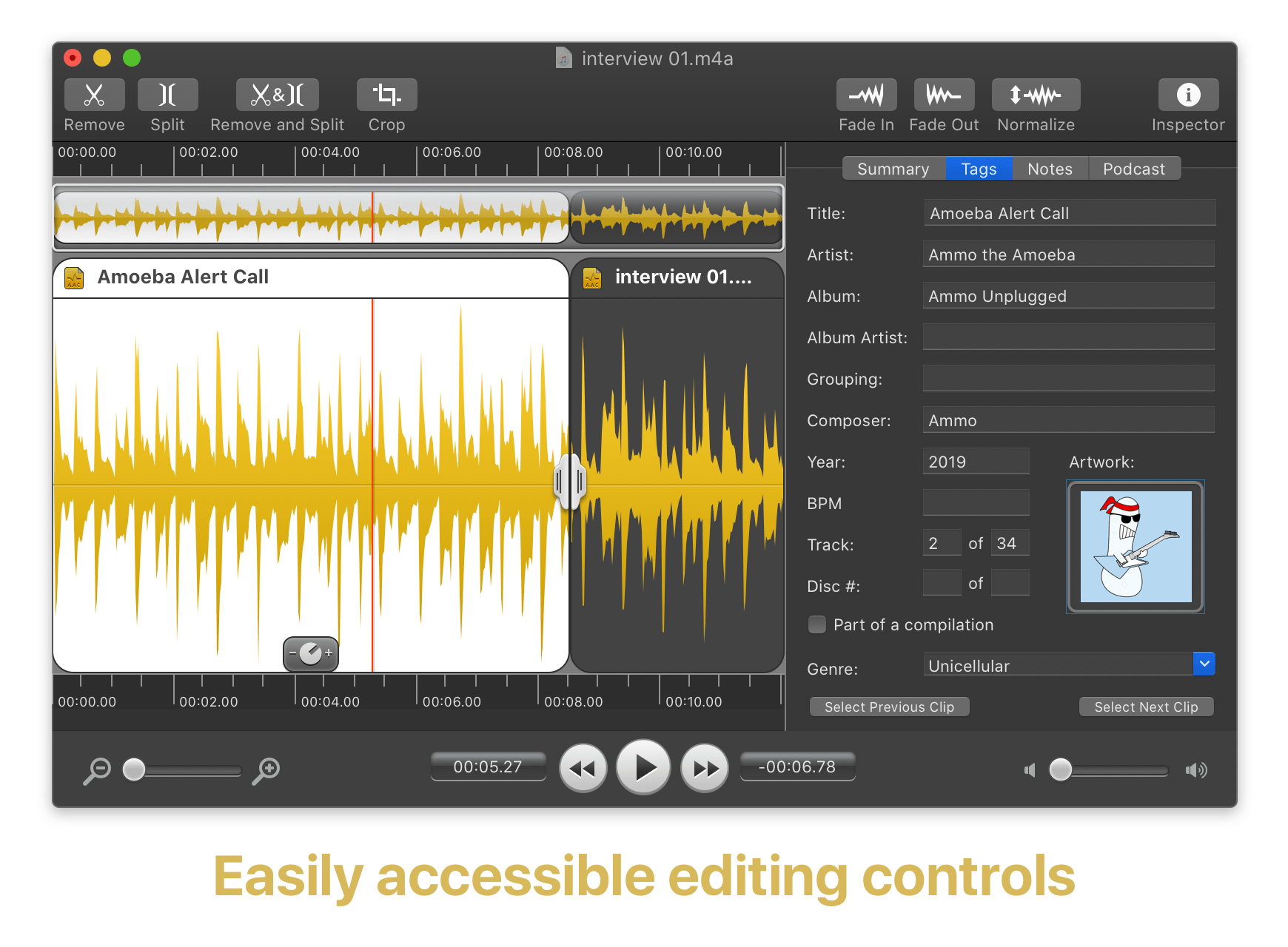
Fade, Cut, Crop & Edit Metadata
Fission offers all the standard audio editing options you need right at your fingertips. Unlike overly complicated competitors, there's no clutter or bloat.
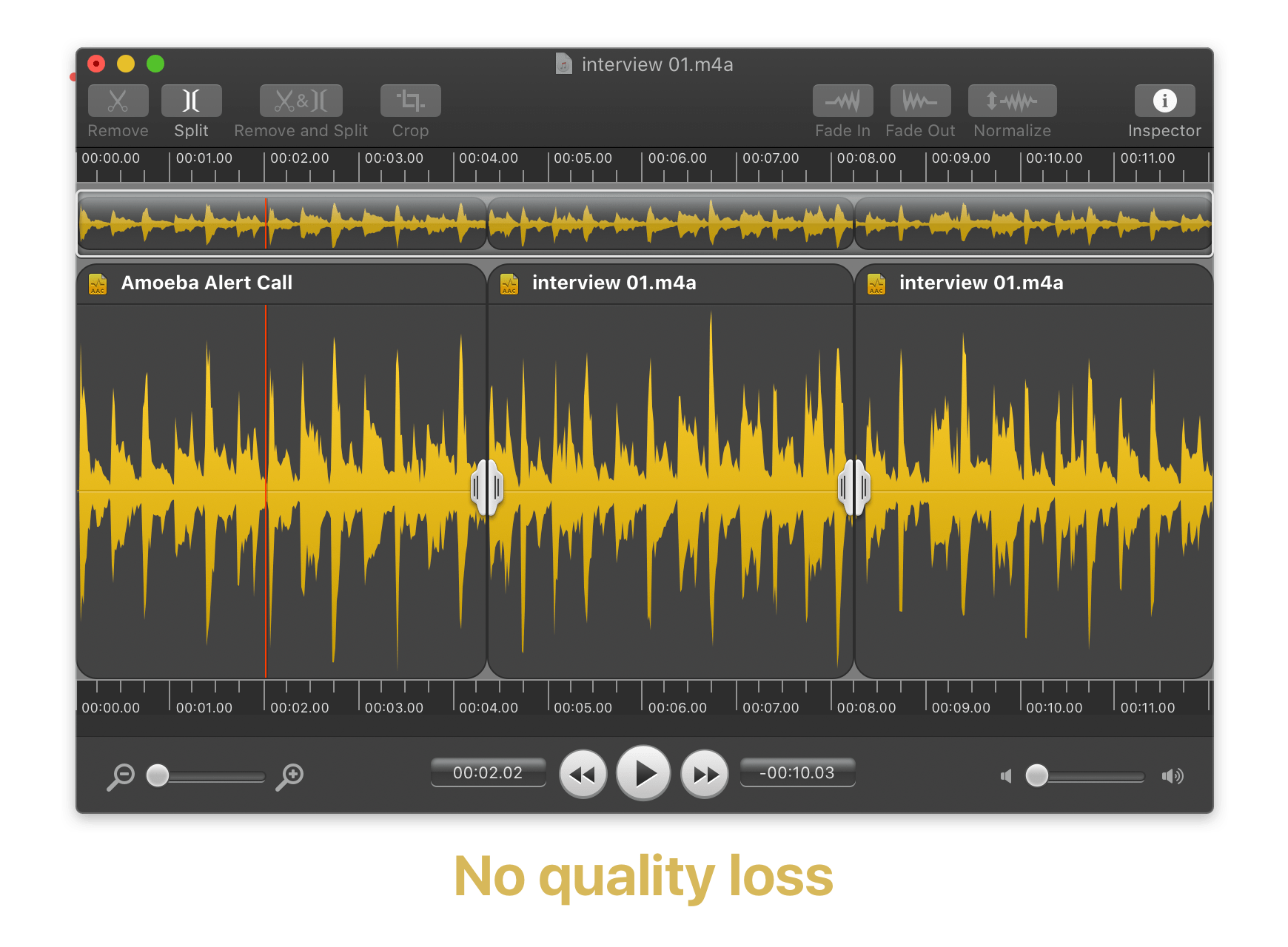
Edit Audio with No Quality Loss
Fission never causes quality loss when it edits, even with the MP3 and AAC formats. It's like magic, and it's something only Fission offers!
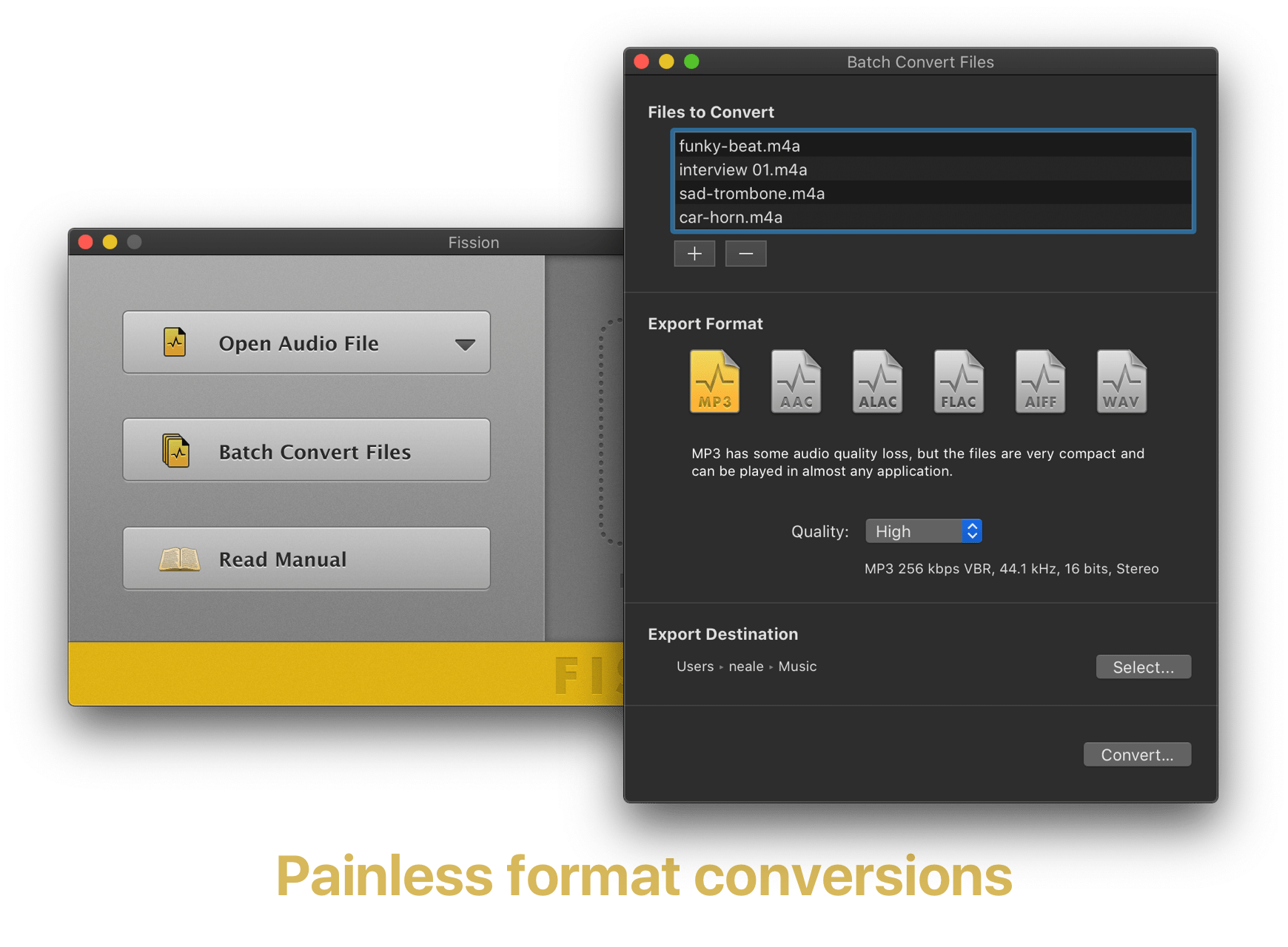
Batch Convert Between Formats
Fission's batch convertor lets you convert dozens of files at once, to any of the most popular formats: MP3, AAC, Apple Lossless, FLAC, AIFF, and WAV.
Many More Great Features
Cross-Format Conversions
Any file Fission can open can be saved directly to MP3, AAC, Apple Lossless, FLAC, AIFF, or WAV.
Chapterized AAC & MP3 Files
Make enhanced podcasts with AAC or MP3 chapters using Fission. Your listeners will love you for it!
Quick Audio Removal
Cutting out audio couldn't be easier. Just select and cut!
Full FLAC Support
If you need to edit FLAC files, look no further than Fission.
Crop It Out
Got a small portion of audio to save? Highlight it, click Crop and you're done.
File Joining
With a simple drag and drop or copy and paste, you can join two or more files into one.
Smart Split
Automatically split files based on silence. It's perfect for LP and DVD recordings.
Inline Gain Adjustment
Highlight a section of audio then adjust the gain with the Gain slider.
Cue Sheet Support
Split files using cue sheets, or export your edits to a cue sheet file.
Fade Away
Fade audio in and out to create pleasing transitions.
Why Be Normal?
Give audio files a constant volume level with the Normalize function.
Split Points
With Fission's Split Points, you can split and save to get multiple files.
Great Uses for Fission

Create iPhone Ringtones
Edit audio down, then choose “Save as iPhone Ringtone” to get custom tones for all your iOS devices.


Edit Music.app Downloads
If you buy songs from Apple's Music Store, Fission can help losslessly edit them.

Remove Commercials
Record a web stream, then trim out unwanted ads and other bits.

Split Up LPs
Take one long file and split it into individual songs with Smart Split. Handy!
Get Fission

Note: While using the software in trial mode, limitations are applied. Purchase to unlock the full version.
| For MacOS 11 to MacOS 14: | Fission 2.8.5 | October 2, 2023 |
 Release Notes Release Notes
|
| Older version of MacOS? | Learn more about Legacy versions of Fission. | ||
What People Are Saying About Fission

“[N]early every modern Mac user has a reason to muck with music…Rogue Amoeba gave us amateurs an easy, inexpensive way to edit our audio files”
“If you work with Audio Files - use Fission”
“Personal recommendation: Go buy @RogueAmoeba's new version of Fission. It's even better than v1.”

“Fission is likely the only app you need to work with audio files, and it does the job easily and quickly.”
“I'm in love with Fission from @RogueAmoeba! It's totally awesome and saves me a lot of time when editing band recordings”
“Just to let you know that I love this piece of tech, easy to install, its so easy to use, great results, perfect! If only all software was this user friendly!”
John M.

“Highest praise to Fission, with thanks to our friends at Rogue Amoeba for such great utilities.”
“I smell a hit.”
“If you're looking for an elegant and easy-to-use lossless audio editing program on the Mac, check out Fission.”

“Fission…is a straightforward, no-nonsense editor that does precisely what you need. Elegant and easy to use, it's the ideal companion to Audio Hijack.”
“I love Fission, by Rogue Amoeba. That's right, I said it. Do not judge the love between a man and this piece of powerful, yet simple to use, audio editing software.”
“I love @RogueAmoeba software! Audio Hijack and Fission are AMAZING applications.”



